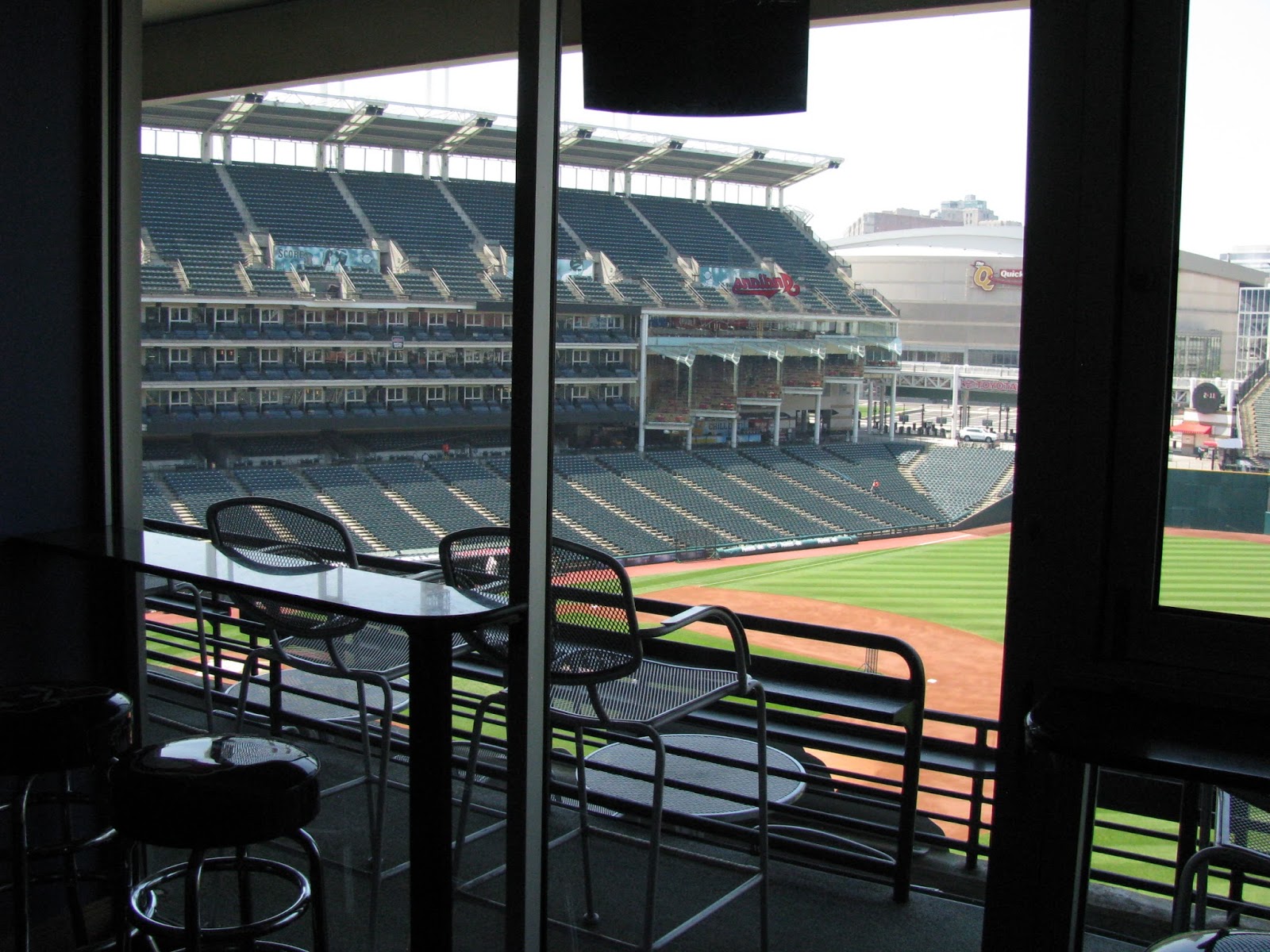
Every once and awhile I see Indians fans make remarks about the team's attendance that if they continue, the team could eventually move. While the fears are certainly justified here in NE Ohio with what happened to the Browns back in 1995, is it very realistic to think that the Cleveland Indians would move if the attendance stayed where it currently is? In short, the answer is no, and here's why:
1. Attendance
 |
| Game this past May against Seattle I went to |
Professional sports teams derive their income from a variety of sources, including ticket sales, but television rights, advertising, and corporate clients (suites) are the main sources of income. Sure, it's not like ticket sales are unimportant or don't supply any money at all, but a team not doing well at the gate doesn't necessarily mean it's losing money or not doing well financially. The Indians during the 1990s are a great example of this in that they were sold out from 1995-2002, yet did not rank at the top in terms of revenue. That's not to say the sellout streak didn't help them financially, but in the end, the power of TV is what reigned supreme, followed by the major increase in suite revenue from moving into Jacobs Field from Cleveland Stadium, not attendance.
If attendance were that important of an issue, then the Tampa Bay Rays would've moved years ago. Their attendance has
never been good and currently ranks LAST in the Major Leagues despite the Rays being in the chase for both the East Division title and a Wild Card spot. This is also a team that went to the World Series just a few years ago and has been in the playoff hunt for the last several years now. While the Indians are still technically in the playoff chase here, they're a long shot. The team has made the playoffs once since 2002 (2007) and the last 3 years has started out very well only to fizzle by the middle of the season and finish below .500.
2. Market size
 |
| Downtown Cleveland in May 2013 |
One thing people seem to overlook is the market size of existing teams and potential new markets. One post mentioned Charlotte as a place the Indians could move or San Antonio. Portland, Oregon is another city that has actively tried to get a Major League Baseball franchise. Cleveland, even with its own population loss and growth in other cities, still ranks as the country's 18th-largest media market. There are sports from 3 of the 4 major sports leagues here (no NHL team). I've noticed a lot of times people will look at actual city populations as opposed to metro and/or media market size. Yeah, Cleveland (396,000) is a smaller
city by population than Charlotte (775,000), San Antonio (1.38 million), and even Portland (583,000), but in terms of market size, Cleveland is larger than all 3. Portland is the closest at #22 and is the 3rd largest market without a Major League Baseball team (after Orlando, FL at #19 and Sacramento, CA at #20). San Antonio, despite being the largest city of this group, is actually the smallest market (#36) and if it had a Major League Baseball team, would be the smallest market in all of MLB (Cincinnati is currently the smallest market at #35). Charlotte is #25 and actually isn't even the largest market in North Carolina. That would be Raleigh-Durham, which ranks 24th and is home to the NHL team. Charlotte, of course, is home to the NBA Bobcats (soon to be renamed Hornets!!) and the NFL Panthers. Both Portland and San Antonio are NBA-only markets.
In addition to market size, market saturation is another issue that has to be taken into consideration, not only for attendance, but TV viewership, something the Indians typically do very well at. If there are too many sports/entertainment options for a market, one or many of them suffer. That's why you likely won't see an NHL team in Cleveland anytime soon or an NBA team in Pittsburgh or Cincinnati. Cincinnati and Pittsburgh are smaller markets than Cleveland, plus both Cincinnati and Pittsburgh have major college athletic programs in addition to their pro sports teams. Columbus, Ohio has a similar situation because of Ohio State. Not only is Columbus between two cities with professional sports, but Ohio State controls a significant amount of attention and fan interest that would hurt a parallel professional sport like football or basketball. Hence, Columbus has an NHL team and a Major League Soccer team, neither of which are present in Cleveland or Cincinnati and don't directly have high-interest counterparts across town at Ohio State.
3. Stadium
 |
| Summer 2012 on a ballpark tour I took |
If this were happening at old Cleveland Stadium, there might be cause for concern, but it isn't. Progressive Field, despite being nearly 20 years old now, is still in excellent condition and is very well-maintained and updated. Even with all the new parks that have been built since Progressive Field opened in 1994, it is still right up there with the best in terms of services, amenities, and appearance on top of a solid number of revenue-generating suites. The Indians lease at Progressive Field runs another 10 years and while a lease is no guarantee a team will stay in a city, it's a good sign. In other words, if the team got offers from other cities, they would hardly be able to give the Indians anything far ahead of what they currently have in terms of their ballpark.
When Art Modell threatened to move the Browns in 1995, his biggest grievance was that Cleveland Stadium was outdated. That meant more than it was just old; he meant it lacked a good number of suites (Cleveland Stadium had some suites, but they were added much later and there weren't that many), and it needed tons of money just to maintain it. That was on top of fan amenities and services it lacked because of the era it was built. Because of that, Modell claimed he was losing money. Attendance-wise, the Browns were doing quite well and always have. It certainly wasn't an issue of fan support here, it was a belief that the county (which owned Cleveland Stadium) wasn't supporting the team, especially in light of the Gateway Project that had opened the year prior for the Indians and Cavaliers. I could go on about how Modell was a pretty lousy businessman and him losing money was much his own fault, but those were his reasons for getting a stadium deal with Maryland and ultimately establishing the Baltimore Ravens.
Why is that important? Because the stadium did and can play a major role in a team relocating, but only when a team is faced with having an outdated stadium that lacks suite revenue and/or presents other financial liabilities. The Indians have no such complaints with Progressive Field, nor would they be able to justify in any way that they
need a new ballpark for the financial health of the team, which they did when Progressive Field was built. The last MLB team to move was the Montreal Expos when they moved to Washington, DC to become the Nationals. The Expos had horrible attendance (far worse than the Indians have had even this year), had an outdated stadium (Olympic Stadium had hardly any suites and multiple maintenance issues), and Washington, DC represented a top-10 market (#8) without a baseball team (despite the objections of the Baltimore Orioles), meaning MLB could easily justify moving the Expos there because they would generate far more money in DC than Montreal, in ticket sales, suite revenue, local TV coverage, and advertising.
 |
| Fireworks in May 2013 |
So, the Indians moving to a market like San Antonio, Portland, or Charlotte would likely, at best, be a lateral move financially if not even lower. You might have some initial excitement about a new team, but if the team struggles for periods of time (which is more than likely for a small-market team), you'll have a team bleeding money in worse shape with a marginally newer stadium with not only low attendance, but low local TV ratings and little fan attachment. And since the Indians would remain a smaller-market team by going to an even smaller market than Cleveland, they would most likely continue to be a team that has to make smart moves and develop talent vs. just going out and spending lots of money. The Indians, while they have struggled at the gate the last several years, have a largely stable financial situation, good local TV ratings, a modern and well-maintained stadium, on top of over 110 years of history in Cleveland. While nothing is set in stone as far as any team staying in an area, and we certainly shouldn't take it for granted, it's a good bet the Tribe will be in Cleveland for generations to come. The real concerns should be the long-term health of this region. If NE Ohio continues to lose people or stagnate in growth, these current smaller markets could become more attractive if they also continue to grow.